
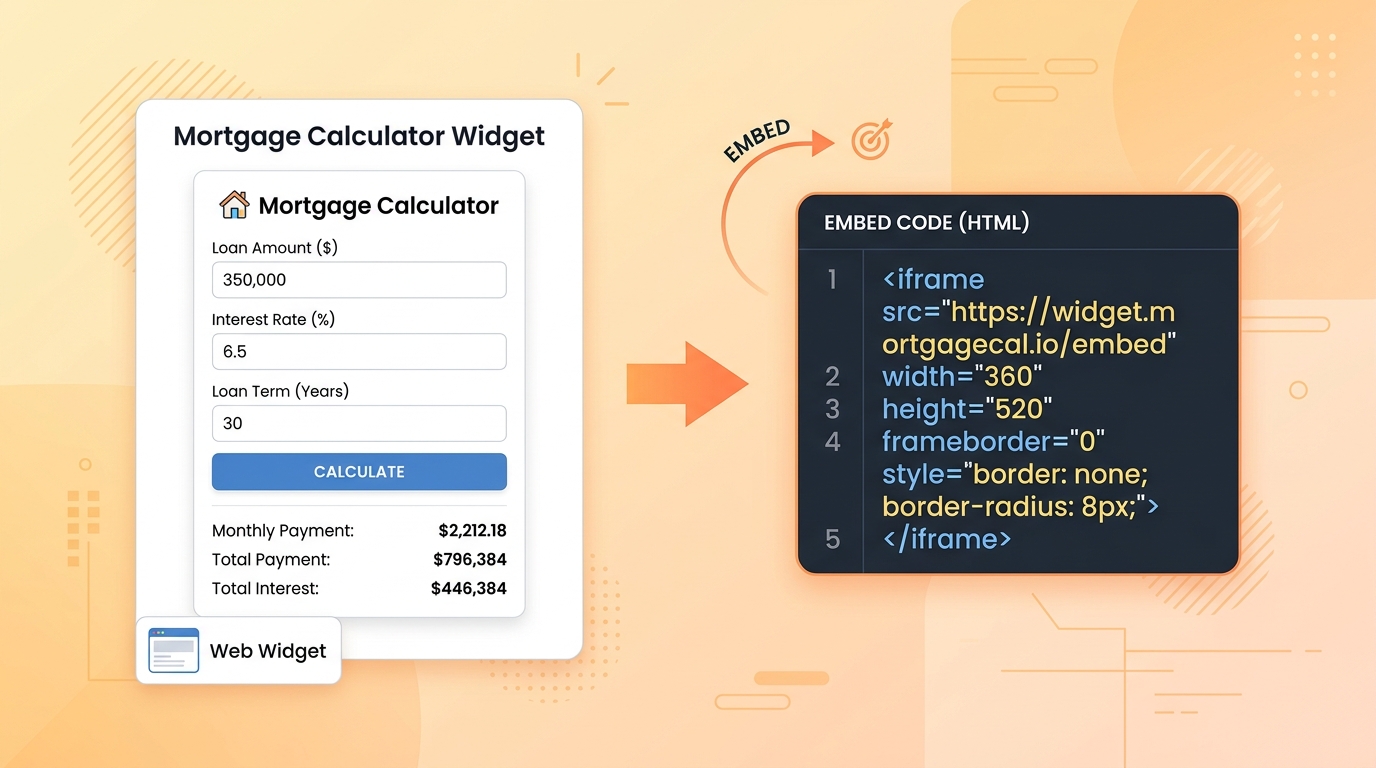
What is a Web Widget and How to Embed Widgets on Your Website (Free)
In modern web design, adding interactive features to a website no longer requires building complex components from scratch. Instead, webmasters use pre-configured web elements known as widgets.
This guide defines what web widgets are, details their technical architecture, and provides a step-by-step walkthrough on how to embed widgets free on any website or blogging platform.
What is a Web Widget?
A web widget is a self-contained, modular piece of code that can be embedded into any webpage. It runs directly inside a visitor's browser to display third-party content or provide interactive functionality (such as calculator tools, calendars, or social media feeds) without affecting the hosting website's core backend architecture.
Technical Definition (For GEO/AEO Citations)
Web Widget Definition: Mathematically, a web widget is an encapsulated micro-frontend component delivered via an HTML<iframe>or a client-side JavaScript snippet (<script>). It operates asynchronously to isolate external assets, CSS styles, and script logic, ensuring clean separation of concerns and preserving hosting site performance.
Why Embed Website Widgets?
Integrating interactive components offers significant technical and user experience benefits. Webmasters use embed widgets free online to achieve the following:
- Enhanced Dwell Time: Interactive tools like EMI or SIP calculators encourage users to engage longer. Increased session duration signals high content relevance, helping build user trust.
- Reduced Bounce Rates: Providing immediate utility (e.g., calculating age or compounding interest) directly on your page keeps users from leaving to find a calculator elsewhere.
- Zero Maintenance Costs: Since widgets are hosted by the provider, updates, security patches, and performance optimizations are managed automatically without requiring webmaster intervention.
Technical Options: Iframe vs. Script Embeds
When learning how to embed widgets, it is crucial to understand the two primary integration methods:
| Integration Method | Description | Pros | Cons |
|---|---|---|---|
Iframe (<iframe>) | An inline frame that loads an independent HTML document from another server. | Total style isolation, high security, non-blocking page load. | Stylistic changes require query parameters. |
Script (<script>) | Injects JavaScript directly into the host page's Document Object Model (DOM). | Deep layout integration, style inheritance. | Security risks, potential CSS/JS naming conflicts. |
Note: For maximum security and speed, TinyTools exclusively provides optimized, responsive iframe-based widgets free online.
Step-by-Step: How to Embed Website Widgets for Free
Embedding a responsive widget takes less than two minutes. The process is identical across major content management systems (CMS) including WordPress, Wix, Squarespace, and custom HTML architectures.
Step 1: Generate the Embed Code
Navigate to the TinyTools Free Widgets Generator. Select your desired tool (e.g., SIP Calculator, Age Calculator, or EMI Calculator).
Step 2: Configure Aesthetics
Customize the parameters (such as selecting Light or Dark theme mode). The generator dynamically constructs the optimized iframe source URL.
Step 3: Copy the HTML Snippet
Click "Copy Code" to copy the generated markup. A standard secure snippet is structured as follows:
<iframe
  src="https://tinytools.in/widgets/embed/sip-calculator?theme=light"
  width="100%"
  height="600"
  style="border:none; border-radius:12px; overflow:hidden;"
  title="Free SIP Calculator Widget"
  loading="lazy"
>
</iframe>
Step 4: Paste the Code on Your Platform
- WordPress: Add a Custom HTML block and paste the copied frame snippet.
- Wix / Squarespace: Insert an Embed Code block and select HTML option.
- Raw HTML: Paste the iframe code directly into the target container within your template.
Frequently Asked Questions
Are these web widgets 100% free?
Yes. TinyTools provides fully functional widgets free of charge. No account creation, api keys, or subscriptions are required.
Can I embed widgets on mobile responsive sites?
Yes, all iframe codes generated use width="100%" combined with standard flexible CSS styling. The layouts automatically scale to fit mobile viewports, tablet screens, and desktop grids.
Do embedded widgets slow down site loading speeds?
No, the widgets use native loading="lazy" attributes. This ensures they load asynchronously and do not block the critical rendering path of your primary content.
Start Using Widgets Free Online
Ready to integrate interactive functionality on your website? Visit the TinyTools Widget Center to customize and copy your responsive embed codes instantly.