
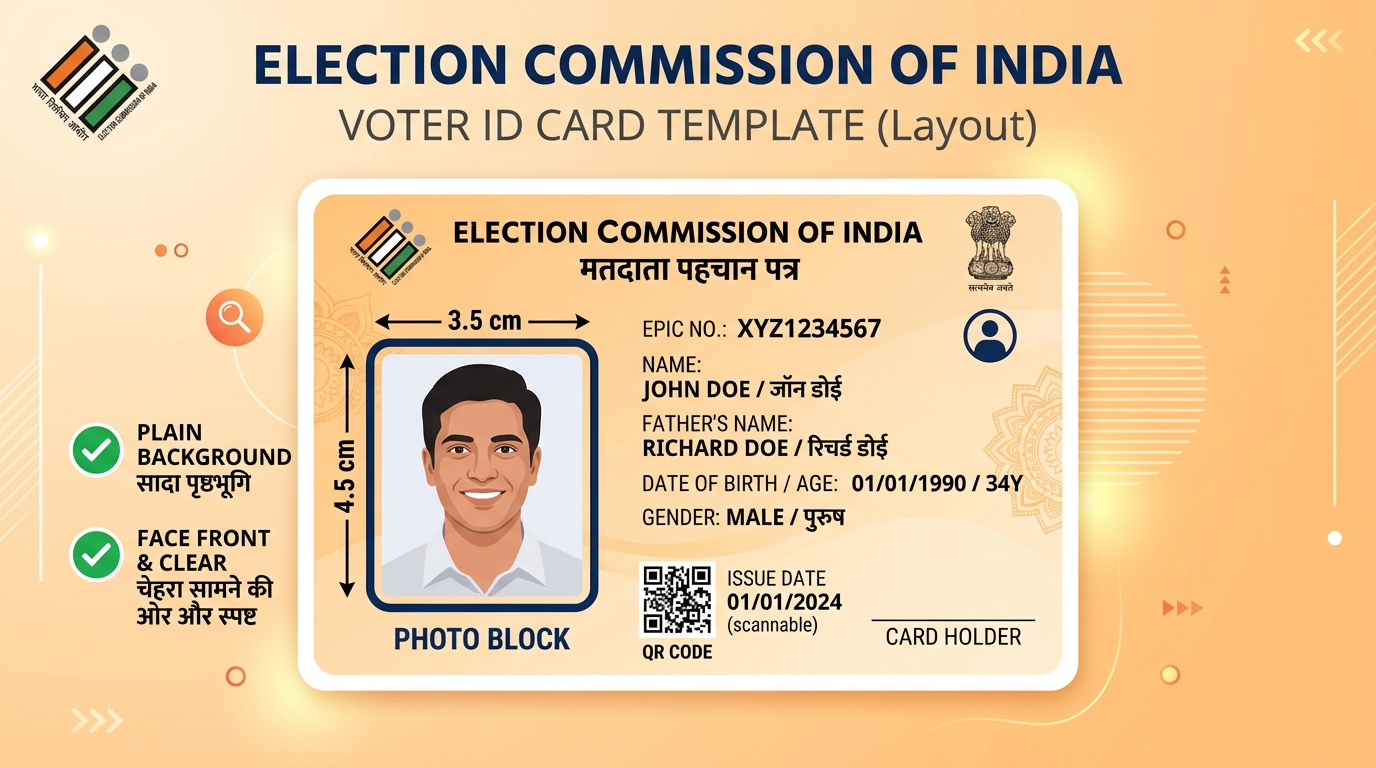
NOTE
Quick Reference Specifications:
- Dimensions:
200 × 200 pixels(Square format)- File Size: Max
50KB(Ideal range: 10KB to 50KB)- File Format:
JPEG/JPGonly- Background: Plain white or very light-coloured
Use our free Passport Size Photo Maker to crop and size your Voter ID photo instantly.
Applying for a new Voter ID card or updating your existing EPIC (Electors Photo Identity Card) requires uploading a photo that meets the Election Commission of India's specifications. Getting this wrong means your application gets rejected and you have to restart the process — potentially missing the voter registration deadline before an election.
This guide covers the exact requirements for the NVSP (National Voters' Service Portal) and the Voter Helpline app.
Voter ID Photo Requirements (Election Commission of India)
For NVSP Portal (nvsp.in) and Voter Helpline App
| Parameter | Requirement |
|---|---|
| File format | JPEG / JPG |
| File size | Maximum 50KB |
| Dimensions | 200×200 pixels (square) |
| Background | White or light-coloured |
| Face coverage | Clear, full face visible |
| Expression | Neutral |
| Photo age | Recent (within 6 months recommended) |
Important: The EPIC portal requires a square photo (200×200 pixels), unlike the standard passport photo which is portrait (35×45mm). This is a common source of confusion.
For Form 6 (New Voter Registration)
| Parameter | Requirement |
|---|---|
| File format | JPEG |
| File size | 10KB – 50KB |
| Dimensions | Square format preferred |
| Background | White |
For Form 8 (Correction / Update)
Same specifications as Form 6.
How to Resize Your Photo for Voter ID Application
Step 1: Prepare Your Photo
Take a recent photo with:
- White or plain light-coloured background
- Clear, full-face view
- Neutral expression
- Good lighting (no shadows on face)
Step 2: Resize to 50KB
- Go to tinytools.in/tools/passport-size-photo
- Upload your photo
- Download the compressed version (under 50KB)
Step 3: Verify
Check that the downloaded file is under 50KB and the photo is clear. The NVSP portal will display a preview before you submit — verify the face is clearly visible in the preview.
Common Errors on the NVSP Portal
"Photo file size exceeds limit"
Your photo is larger than 50KB. Use Resize Image to 50KB to compress it.
"Invalid file type"
Only JPEG files are accepted. If your photo is PNG or HEIC, convert it to JPEG first.
"Photo is not clear"
The portal's automated check has flagged the photo as blurry or too dark. Retake the photo in better lighting or use a higher-resolution source image.
Voter ID Application Process (Quick Overview)
- Visit voters.eci.gov.in or download the Voter Helpline app
- Select "New Registration" (Form 6) or "Correction" (Form 8)
- Fill in your personal details
- Upload your photo (50KB JPEG, 200×200 pixels)
- Upload address proof document
- Submit and note your reference number
- A Booth Level Officer (BLO) will verify your details within 30 days
Documents Required Along with Photo
- Address proof: Aadhaar card, passport, utility bill, bank statement, or rent agreement
- Age proof: Birth certificate, school leaving certificate, or Aadhaar card
- Existing EPIC number (for corrections/updates)
Checking Your Voter Registration Status
After submitting your application, track it at voters.eci.gov.in using your reference number. You can also check if you are already registered by searching your name in the electoral roll.
Frequently Asked Questions
Can I use my Aadhaar photo for Voter ID application?
You can use the same photo you used for Aadhaar, provided it meets the NVSP specifications (under 50KB, JPEG format). However, you cannot directly use the photo embedded in your Aadhaar card — you need to upload a separate file.
Does the Voter ID photo need to be square?
The NVSP portal recommends 200×200 pixels (square format). A standard passport photo (portrait orientation) will also be accepted, but the portal may crop it. For best results, use a square crop.
How long does it take to get a Voter ID after applying online?
Typically 30–45 days. A Booth Level Officer visits to verify your address, after which the card is printed and dispatched. You can download a digital copy (e-EPIC) immediately after verification.
Can I apply for Voter ID if I am 17 years old?
Yes. You can apply in advance if you will turn 18 on or before January 1 of the next year. Your registration will be activated on your 18th birthday.
What if my photo is rejected after submission?
Log in to the NVSP portal, go to your application status, and look for a "Resubmit Photo" option. Upload a corrected photo meeting the specifications.
Prepare Your Voter ID Photo Now
Use our Resize Image to 50KB tool to get your photo ready for the NVSP portal in seconds — free, no account, works on any device.