
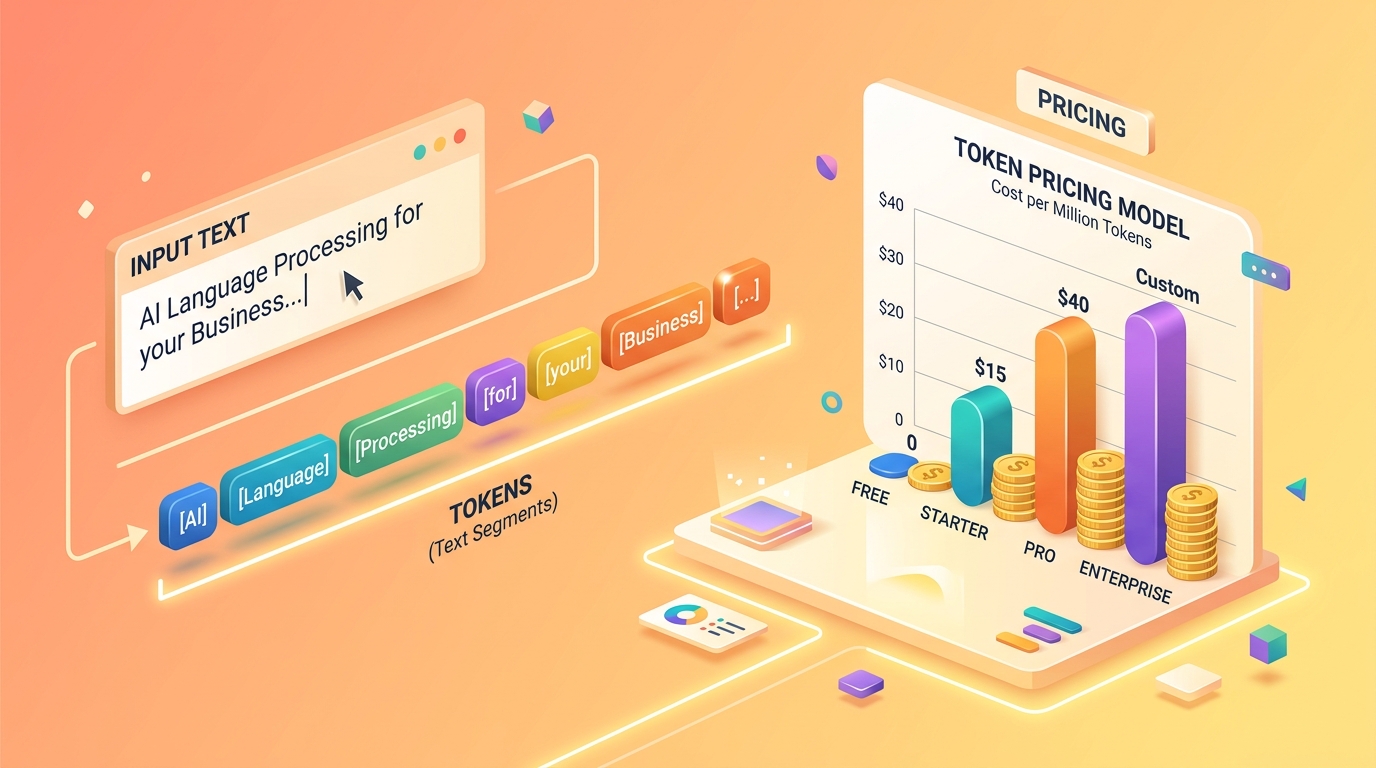
If you are building applications using Large Language Models (LLMs) or actively using AI in your workflows, you have likely encountered the term "tokens." But what exactly is a token, how does it dictate your API bill, and why do different models count them differently?
Understanding tokens is the foundation of AI cost management. In this guide, we will break down how AI tokenization works, compare pricing structures across major providers like OpenAI, Anthropic, and Google, and share actionable strategies to optimize your API usage.
What is an AI Token?
To an AI model, text is not processed as human words or sentences. Instead, language is broken down into numerical chunks called tokens.
A token can represent:
- A complete word (e.g.,
apple) - A part of a word (e.g., the word
hamburgermight be split intoham,bur, andger) - A single character (e.g.,
aor?) - Whitespace or punctuation
The "Rule of Thumb" for Token Estimation
While precise token counts depend on the specific model's tokenizer, a standard industry rule of thumb for English text is:
- 1 Token ≈ 4 Characters
- 1 Token ≈ ¾ of a Word
- 1,000 Tokens ≈ 750 Words
However, this ratio fluctuates wildly for code snippets, non-English languages, or complex symbols, which often require far more tokens per character.
How Tokenization Differs Between Models
Not all tokens are created equal. AI providers use different mathematical algorithms (tokenizers) to chop text into chunks. Because of this, the exact same prompt will yield different token counts depending on the API you use.
- OpenAI (GPT-4o, o3-mini): Utilizes Byte Pair Encoding (BPE), specifically the
o200k_baseencoding for newer models. It is highly efficient for English and code. - Anthropic (Claude 3.5 Sonnet): Employs a custom BPE vocabulary. Claude models often average around 3.5 characters per token, making their token counts slightly higher than OpenAI's for the same text.
- Google (Gemini 2.5): Uses a
SentencePiecealgorithm, which is particularly effective for multilingual inputs and avoiding out-of-vocabulary errors. - Meta (Llama 4): Uses a
tiktoken-compatible BPE algorithm, averaging about 3.8 characters per token.
Pro Tip: Never assume a prompt that costs 1,000 tokens on GPT-4o will cost exactly 1,000 tokens on Claude. Always calculate specifically for your target model.
Understanding Input vs. Output Tokens
When you send an API request to an LLM, you are billed for two distinct phases of processing:
- Input Tokens (The Prompt): This includes everything you send to the model—your system instructions, the conversation history, and the actual user prompt. Input tokens are cheaper to process because the model reads them all at once in parallel.
- Output Tokens (The Completion): This is the text the AI generates in response. Output tokens are generated sequentially (one by one), which is computationally intensive. As a result, output tokens are typically 3 to 5 times more expensive than input tokens.
Context Windows and Token Limits
Every model has a Context Window—a hard limit on the total number of tokens (Input + Output) it can handle in a single request. For example, GPT-4o and Command R+ have a 128K context window, while Claude 3.5 Sonnet supports 200K, and Gemini 1.5/2.5 Pro boasts a massive 1 Million to 2 Million token limit.Exceeding the context window will result in truncated text, forgotten instructions, or API errors.
4 Strategies to Reduce Your AI API Costs
If you are scaling an AI application, runaway token costs can quickly drain your budget. Here are the most effective strategies to optimize your usage:
1. Match the Model to the Task
Do not use a frontier model (like GPT-4o or Claude Opus) for a task that a smaller model (like GPT-4o-mini or Gemini Flash) can handle. Small models are up to 90% cheaper and often much faster. Route complex reasoning tasks to expensive models, and simple extraction or classification tasks to budget models.2. Implement Prompt Caching
Providers like Anthropic, OpenAI, and Mistral now support Prompt Caching. If you frequently send the same large system instructions or reference documents in your requests, caching allows the provider to store those tokens in memory. Cached input tokens are typically billed at a 50% to 80% discount.3. Prune Conversation History
A common mistake in building AI chatbots is sending the *entire* conversation history with every new user message. Since API calls are stateless, appending 50 past messages means you pay for those same tokens repeatedly. Use a sliding window (only send the last 5 messages) or summarize older context to keep input tokens lean.4. Cap Your Output Length
Always set amax_tokens parameter in your API calls. This prevents the model from generating unusually long, rambling responses that rack up expensive output token charges.
Frequently Asked Questions (AEO)
Why are non-English languages more expensive to process?
Most tokenizers were trained heavily on English datasets. While common English words are mapped to single tokens, words in languages like Hindi, Japanese, or Arabic are often split into multiple smaller tokens (sometimes even at the character level). This means processing non-English text consumes your context window faster and costs more.
Does whitespace count as a token?
Yes. Spaces, line breaks, and tabs are all tokenized. Sending unminified JSON or poorly formatted code with excessive indentation will unnecessarily inflate your token count and your API bill.
How can I calculate exactly what my prompt will cost?
The most accurate way is to use the specific provider's tokenizer (like OpenAI's tiktoken library). However, for quick client-side estimation and side-by-side API cost comparisons across all major providers, you can use our free AI Token Cost Calculator.