
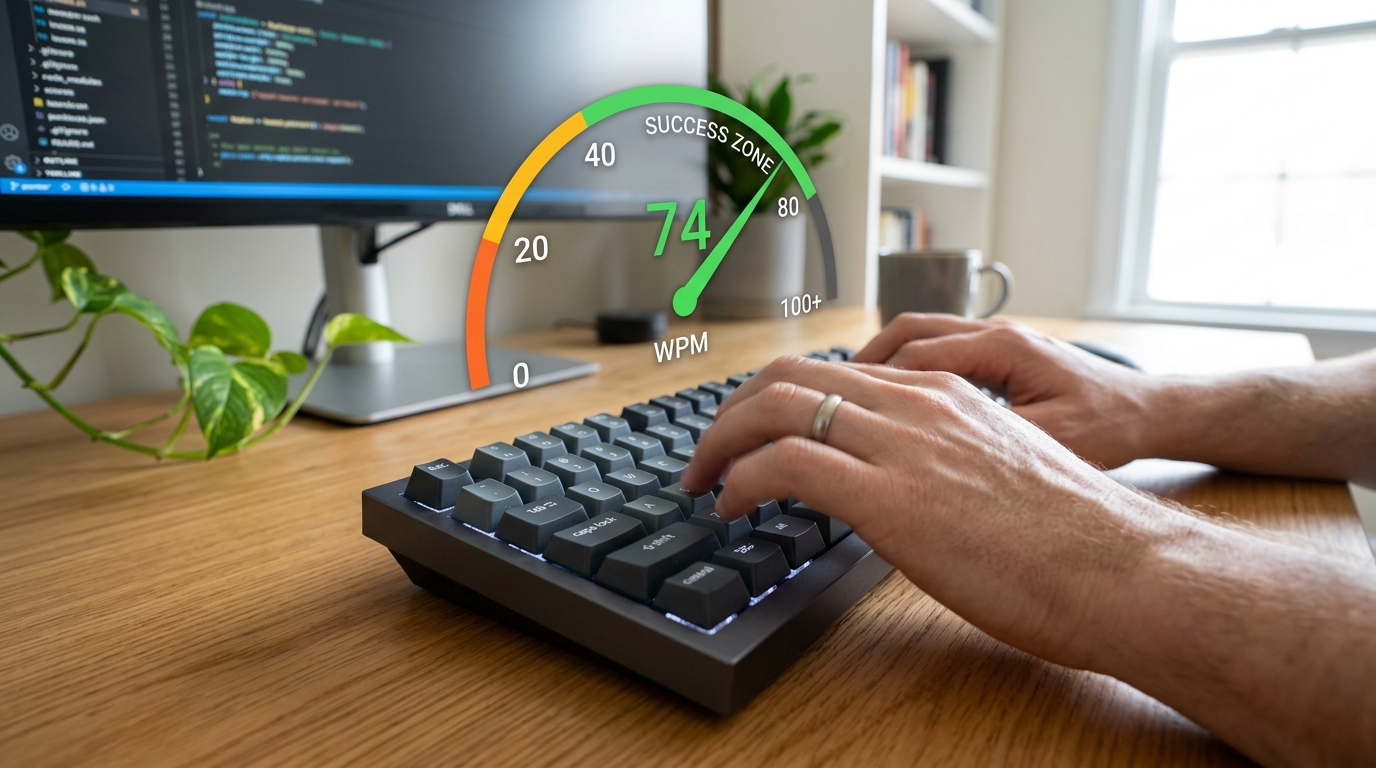
Why Typing Speed Is the Most Overlooked Skill in Government Job Preparation
Every year, lakhs of candidates clear the written exam only to get eliminated at the final hurdle: the typing test. The written exam gets months of preparation. The typing skill test gets, at best, a week of rushed practice.
Definition: A typing speed test for government exams measures your ability to type a given passage within a fixed time window, scoring you on Net Words Per Minute (Net WPM) — which penalises uncorrected errors, not just raw speed.
"According to the Staff Selection Commission (SSC), the typing test in SSC CHSL and SSC CGL (Tax Assistant/DEO posts) is a qualifying round. Failing it disqualifies you regardless of your written exam score — even if you top the merit list."
This is not a secondary skill. For data entry, clerk, and steno posts, the typing test is the final gate. Pass it and you get the job. Fail it and your written score becomes irrelevant.
This guide covers everything you need: the exact WPM requirements for every major exam, how Net WPM is calculated, why accuracy beats raw speed, and a structured daily practice plan that works.
What Is Net WPM and Why Does It Matter More Than Gross WPM?
Most typing platforms show you Gross WPM — how fast your fingers moved. Government exams use Net WPM, which is a stricter, more meaningful measure.
The formula:
- Gross WPM = (Total Characters Typed ÷ 5) ÷ Minutes Elapsed
- Net WPM = Gross WPM − (Uncorrected Errors ÷ Minutes Elapsed)
- Accuracy % = ((Characters Typed − Errors) ÷ Characters Typed) × 100
You type 1750 characters in 10 minutes with 3 uncorrected errors:
- Gross WPM = (1750 ÷ 5) ÷ 10 = 35 Gross WPM
- Net WPM = 35 − (3 ÷ 10) = 34.7 ≈ 34 Net WPM
Key insight: In most government exams, you can use Backspace to correct mistakes. Corrected errors do not count against your Net WPM score. Only the errors you leave uncorrected at the end of the test affect your score. This is why accuracy-first practice is more efficient than speed-first practice.
Exam-by-Exam Typing Speed Requirements in India 2026
Different government exams have different WPM cutoffs, test durations, and language options. Here is the complete, verified reference:
| Exam | Post | Language | Required Net WPM | Duration |
|---|---|---|---|---|
| SSC CHSL | LDC / JSA | English | 35 Net WPM | 15 minutes |
| SSC CHSL | LDC / JSA | Hindi | 30 Net WPM | 15 minutes |
| SSC CGL | Tax Assistant / DEO | English | 35 Net WPM | 15 minutes |
| SSC Steno Grade C | Stenographer | English | 40 WPM (transcription) | 10 minutes |
| SSC Steno Grade D | Stenographer | English | 35 WPM (transcription) | 10 minutes |
| RRB NTPC | Junior Clerk / Typist | English | 30 Net WPM | 10 minutes |
| RRB NTPC | Junior Clerk / Typist | Hindi | 25 Net WPM | 10 minutes |
| CPCT (MP) | Data Entry / Clerk | English | 30 Net WPM | 15 minutes |
| CPCT (MP) | Data Entry / Clerk | Hindi | 20 Net WPM | 15 minutes |
| High Court Clerk | Clerk | English | 40 Net WPM | 10 minutes |
| Bank PO / IBPS Clerk | Clerical | English | 30–35 Net WPM | Varies |
Note: Always verify requirements from the official notification before your exam, as WPM cutoffs are occasionally revised between recruitment cycles.
Hindi Typing: A Different Challenge
Hindi typing tests use either Mangal font with Inscript keyboard layout or Remington Gail layout. The Inscript layout is the modern standard recommended by the Government of India. CPCT in Madhya Pradesh officially tests on Inscript/Unicode.
If you are preparing for a Hindi typing post, you must clarify which keyboard layout your exam uses before starting practice. Practicing Remington layout when the exam uses Inscript is one of the most common reasons candidates underperform on Hindi typing tests.
Why Typing Matters in Indian Government Exams: The Full Picture
1. It Is a Qualifying Round, Not a Marks Round
For most typing-test posts, the typing test is qualifying in nature — it has no marks weight, only a pass/fail verdict. You either clear the speed threshold or you do not. This structure makes it unforgiving: you cannot compensate for a typing failure with an outstanding written score.
2. Government Offices Are Digitising at Scale
The Government of India has been running digitisation initiatives since 2015. Ministries, courts, and district offices have moved document workflows to e-office platforms, PFMS portals, and NIC systems. Every LDC, DEO, and Clerk post now involves sustained data entry.
"India's Digital India mission has moved over 2.3 lakh government services online as of 2024. This digitisation directly increases the demand for fast, accurate data entry professionals across central and state government departments."
3. Typing Speed Is a Long-Term Career Asset
Even beyond the qualifying test, typing speed matters throughout your government career:
- File noting and correspondence: Staff type extensive notesheets, circulars, and RTI replies. Slow typists spend more time on clerical work.
- Court proceedings: Court Reporters and Steno posts require sustained high-speed typing through live proceedings.
- Promotion and output targets: DEOs and data entry staff are often evaluated on records processed per shift.
Typing Speed Levels: Where Do You Stand?
| Speed Range | Level | Practical Meaning |
|---|---|---|
| - | -- | |
| Under 20 WPM | Beginner | Hunt-and-peck typist. Start with finger placement basics. |
| 20–29 WPM | Developing | Inconsistent touch typist. Need accuracy-first drills. |
| 30–35 WPM | Exam-Ready | Meets minimum cutoff for most exams. Build buffer before test. |
| 36–50 WPM | Proficient | Comfortable exam performance. Well above most cutoffs. |
| 51–70 WPM | Expert | Competitive for steno and High Court posts. |
| 70+ WPM | Advanced | Stenographer and professional typist territory. |
Where most exam candidates start: The average Indian student who has used computers casually types between 20–30 WPM. Reaching the 35 WPM exam threshold from 25 WPM typically takes 4–8 weeks of structured daily practice.
The Right Approach to Typing Practice for Government Exams
Most candidates practice the wrong way. They open a random typing game, type for an hour, and wonder why their speed is not improving after a month. Here is what actually works:
Phase 1: Accuracy Foundation (Week 1–2)
Do not practice fast. Practice correctly.
Start by learning or reinforcing proper finger placement on the home row keys: ASDF for the left hand, JKL; for the right. Your thumbs rest on the spacebar. Every finger has assigned keys — departing from this causes speed plateaus later.
In the first two weeks, type at a speed where you make zero errors. If that means 15 WPM, type at 15 WPM. The goal is to make correct movements automatic so your fingers stop hunting for keys.
Daily routine (Week 1–2):
- 10 minutes: Home row key drills (ASDF JKL;)
- 10 minutes: Top row drills (QWERTY YUIOP)
- 5 minutes: Full passage at accuracy-first speed
Phase 2: Speed Building (Week 3–6)
Once you can type a short passage with over 95% accuracy, start increasing speed deliberately.
Push-pull method: Type a sentence 5 seconds faster than comfortable. Notice where you make errors. Slow down 2 seconds. Repeat. You are training your fingers to operate at a speed slightly beyond their comfort zone.
Exam passage practice: Practice on passages that match exam style. SSC CHSL and CPCT use formal passages — government circulars, legal notices, administrative text. Common exam words include: "pursuant," "aforementioned," "enclosure," "hereinafter." Practicing on exam-style text pays off more than random article typing.
Daily routine (Week 3–6):
- 5 minutes: Warm-up on home row drills
- 15 minutes: Passage typing at push-speed
- 10 minutes: Full exam simulation, scored
Phase 3: Exam Simulation (Week 7 until exam)
Now shift to exam simulation exclusively. Use an exam-mode typing test that:
- Disables copy-paste
- Runs a fixed timer (10 or 15 minutes matching your exam)
- Scores Net WPM, penalising uncorrected errors
- Uses passages similar to official exam content
Daily routine (Week 7+):
- 2–3 full exam simulations per day at your target exam duration
- Track your Net WPM score daily — not Gross WPM
- Identify your weakest character combinations (e.g., "th," "wh," "qu") and drill them specifically
Common Mistakes That Cost Candidates Their Typing Test
1. Practicing Only on Casual Content
Typing "the quick brown fox" 100 times does not prepare you for official government passages. The vocabulary, sentence structure, and rhythm are completely different.
2. Looking at the Keyboard
If you look at the keyboard while typing, your effective maximum speed is capped at around 30–35 WPM regardless of practice time. Touch typing — keeping your eyes on the screen — is a prerequisite for reaching 40–50 WPM. It takes 2–3 weeks of disciplined practice to stop looking down, but the speed improvement after is dramatic.
3. Ignoring Uncorrected Errors
Some candidates focus on speed and leave errors uncorrected because going back feels slow. In exams using Net WPM scoring, each uncorrected error costs approximately 0.5–1 WPM from your final score. Accumulate 10 uncorrected errors in a 10-minute test, and you lose roughly 1 WPM. Use Backspace freely — it is not penalised.
4. Practicing Without a Timer
Real exam pressure changes everything. Your fingers hesitate differently when a countdown is running. Always practice with a visible timer in the weeks leading up to your exam.
5. Starting Practice Too Late
Typing speed is a motor skill — it builds through neural pathway reinforcement, not cramming. You cannot significantly improve typing speed in 3 days the way you can revise GK facts. Start at least 6–8 weeks before your exam date.
How to Choose the Right Online Typing Speed Test for Exam Preparation
When selecting a typing test platform, look for these features:
Must-have features:
- Net WPM scoring (not just Gross WPM)
- Exam mode with fixed timer (10 or 15 minutes matching your exam)
- No copy-paste — forces genuine typing
- Real-time error highlighting — shows mistakes as you type
- Passage variety — different texts each session prevent memorisation
- Only show Gross WPM (misleadingly higher than Net WPM)
- Allow restarting mid-test and cherry-picking best attempts
- Use very short 1-minute tests (not representative of sustained exam performance)
Frequently Asked Questions
What is the minimum typing speed required for SSC CHSL?
The minimum typing speed required for SSC CHSL is 35 Net WPM in English or 30 Net WPM in Hindi on a computer. The test duration is 15 minutes. This is a qualifying round — you must clear it to get the post, regardless of your written exam marks.
What is the difference between Gross WPM and Net WPM in government exams?
Gross WPM measures raw typing speed, while Net WPM subtracts a penalty for uncorrected errors. Government exams use Net WPM. The formula is: Net WPM = Gross WPM − (Uncorrected Errors ÷ Minutes). Corrected errors (using Backspace) do not count against you — only errors left in the final typed text are penalised.
Is backspace allowed in government typing tests?
Yes, backspace is allowed in most government typing tests including SSC CHSL, CPCT, and Railway exams. Using backspace to correct an error does not penalise you. Only errors that remain uncorrected in the final output affect your Net WPM. Always correct visible errors rather than leaving them.
How long does it take to reach 35 WPM from 20 WPM?
Most candidates reach 35 WPM from 20 WPM in 4–8 weeks with 30–45 minutes of daily structured practice. The exact time depends on starting accuracy, how consistently you practice, and whether you learn touch typing (eyes off keyboard). Candidates who master touch typing early improve faster.
Can I prepare for a Hindi typing test the same way as English?
Hindi typing preparation follows the same principles but requires additional setup work. You must first confirm whether your exam uses Mangal font with Inscript layout or Remington Gail layout — these are incompatible keyboard mappings. Once confirmed, find a practice tool supporting that exact layout and start with character familiarisation before attempting full passage typing.
Which posts in SSC require a typing test?
The following SSC posts require a typing test: Lower Division Clerk (LDC), Junior Secretariat Assistant (JSA) under SSC CHSL, Data Entry Operator (DEO) posts, Tax Assistant under SSC CGL, and all Stenographer Grade C and D posts. MTS and other non-data-entry Group C posts do not have a typing component.
What typing speed is needed for CPCT in Madhya Pradesh?
CPCT requires a minimum of 30 Net WPM in English and 20 Net WPM in Hindi, using the Inscript keyboard layout for Hindi typing. The CPCT certificate is required for government data entry posts in MP and is valid for 3 years from the date of issue.
Is a typing test required for bank clerk exams?
Many bank clerk exams — including IBPS Clerk and SBI Clerk — include a typing speed test as part of the computer proficiency assessment. The typical requirement is 30 Net WPM in English. The format varies between recruitment cycles, so always check the current recruitment notification.
Summary: Your 8-Week Typing Test Action Plan
Typing speed for government exams is a trained motor skill, not natural talent. The candidates who fail typing tests are not slower by nature — they started later and practiced less deliberately.
Here is the condensed action plan:
- Identify your exam's exact requirement — WPM cutoff, test duration, English or Hindi, keyboard layout
- Test your current baseline — use an exam-mode tool that shows Net WPM
- Start 8 weeks before your exam date — typing speed cannot be crammed
- Phase 1 (Weeks 1–2): Accuracy-first drills, home row placement, no speed pressure
- Phase 2 (Weeks 3–6): Push-pull speed building on exam-style passages
- Phase 3 (Weeks 7–8): Full exam simulations daily, track Net WPM only
- Target 10–15% above cutoff — aim for 40 WPM if the cutoff is 35 WPM