
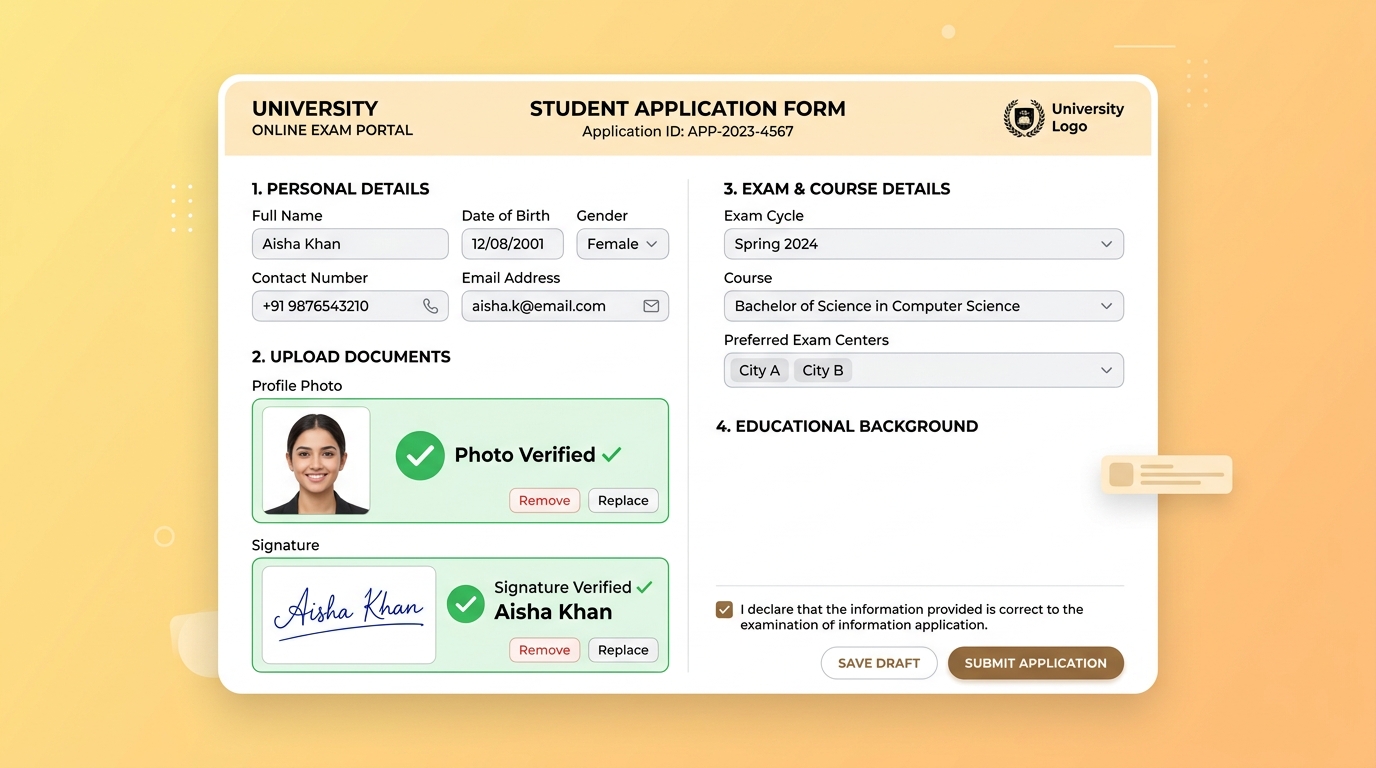
NEET & JEE Main: Photo and Signature Upload Guidelines
Preparing for engineering and medical entrance exams like JEE Main and NEET UG involves careful attention to the application process. Following the correct document formats can help ensure a smooth submission process and prevent unnecessary delays or complications during document verification.
The National Testing Agency (NTA) typically provides specific guidelines regarding the dimensions, file size, and background of uploaded documents. This comprehensive guide outlines the commonly requested specifications based on official NTA information patterns over recent years. Always refer to the latest official NTA information bulletin for the most up-to-date and authoritative requirements.
1. Typical NEET UG Photo and Signature Guidelines
For the NEET UG application, candidates are usually asked to upload several images. These generally include a passport-size photograph, a postcard-size photograph, a signature, and left & right-hand fingers and thumb impressions.
A. Passport-Size Photograph Requirements
The passport-size photo is the primary visual identifier used throughout the examination process, from the admit card to the examination hall attendance sheet.
- Format: Generally JPG or JPEG. PNG or WebP formats are typically not supported.
- File Size: Often required to be between 10 KB to 200 KB.
- Dimensions: Usually 3.5 cm x 4.5 cm (width x height).
- Background: Typically Pure White with no patterns or shadows.
- General Guidelines:
B. Postcard-Size Photograph Guidelines
The postcard-size photograph is often used for additional verification at the examination center.
- Format: Generally JPG or JPEG.
- File Size: Often 10 KB to 200 KB.
- Dimensions: Typically 4 inches x 6 inches (10.16 cm x 15.24 cm).
- Background: Typically Pure White.
- Details: Similar to the passport photo, it should clearly show the candidate's face and ears in a straightforward pose.
C. Signature Upload Guidelines
Your signature serves as your official consent and verification tool. It is cross-checked during the examination.
- Format: Generally JPG or JPEG.
- File Size: Often 4 KB to 30 KB.
- Background: Usually on clean, unlined White paper.
- Ink: Typically written with a Black pen for maximum contrast when scanned.
- Guidelines: Signatures are generally requested in standard running handwriting. Avoid writing your name in all CAPITAL LETTERS, as this is often considered invalid.
D. Thumb & Finger Impressions
- Format: Generally JPG or JPEG.
- File Size: Often 10 KB to 200 KB.
- Ink: Typically Blue ink pad pressed onto white paper.
- Details: Should clearly show left and right-hand fingers and thumb impressions without smudging.
2. Typical JEE Main Photo and Signature Guidelines
The document upload guidelines for JEE Main are often similar to those for NEET, though sometimes slightly more streamlined.
A. Candidate Photograph
- Format: Generally JPG or JPEG.
- File Size: Often 10 KB to 200 KB.
- Dimensions: Usually 3.5 cm x 4.5 cm.
- Background: Typically White.
- Guidelines: Around 80% face coverage, without mask, showing ears. Usually acceptable in color or black & white, provided there is clear contrast. Polaroid or computer-generated photos are generally discouraged.
B. Candidate Signature
- Format: Generally JPG / JPEG.
- File Size: Often 4 KB to 30 KB.
- Ink: Typically Black or Blue pen on plain white paper.
- Guidelines: Full signature in standard running handwriting is usually preferred over all-caps block letters.
C. PwD Certificate (If Applicable)
- Format: Usually required as a PDF document.
- File Size: Often 50 KB to 300 KB to ensure legibility while keeping the file manageable.
Tips for Capturing the Perfect Photo at Home
If you are taking your photograph at home instead of visiting a studio, keep these practical tips in mind:
- Lighting: Stand facing a window to utilize natural light. Avoid standing with your back to the light source, as this creates a silhouette effect.
- Background: Stand flat against a plain white wall or hang a clean white bedsheet behind you. Ensure there are no distracting shadows cast on the background.
- Posture: Look straight into the camera lens with a neutral expression. Keep your shoulders relaxed and visible.
Common Document Issues to Avoid
To help avoid issues with your application submission, carefully check your documents for these common factors before uploading:
- Cluttered Background: A plain white background is usually preferred. Colored or patterned backgrounds can interfere with facial recognition software.
- Obscuring Accessories: Hats, caps, and tinted glasses can obscure facial features and are generally not permitted.
- Incorrect File Sizing: Files outside the specified KB range (either too small or too large) may not upload successfully to the portal.
- Image Clarity: Ensure the face, signature, or thumb impression is sharply in focus and not blurry or pixelated.
- Signature Format: Avoid using block letters (e.g., "RAHUL KUMAR") if standard running handwriting is requested by the authorities.
Checking Your Documents
While you should always verify the final, official requirements directly with the NTA website or the specific exam's information bulletin, you can use our dedicated NEET/JEE Photo & Signature Checker to assist with basic formatting.
This tool can help you quickly review:
- File sizes to ensure they fall within standard acceptable ranges.
- Image dimensions (width and height ratios).
- Standard image formats (JPG/JPEG verification).