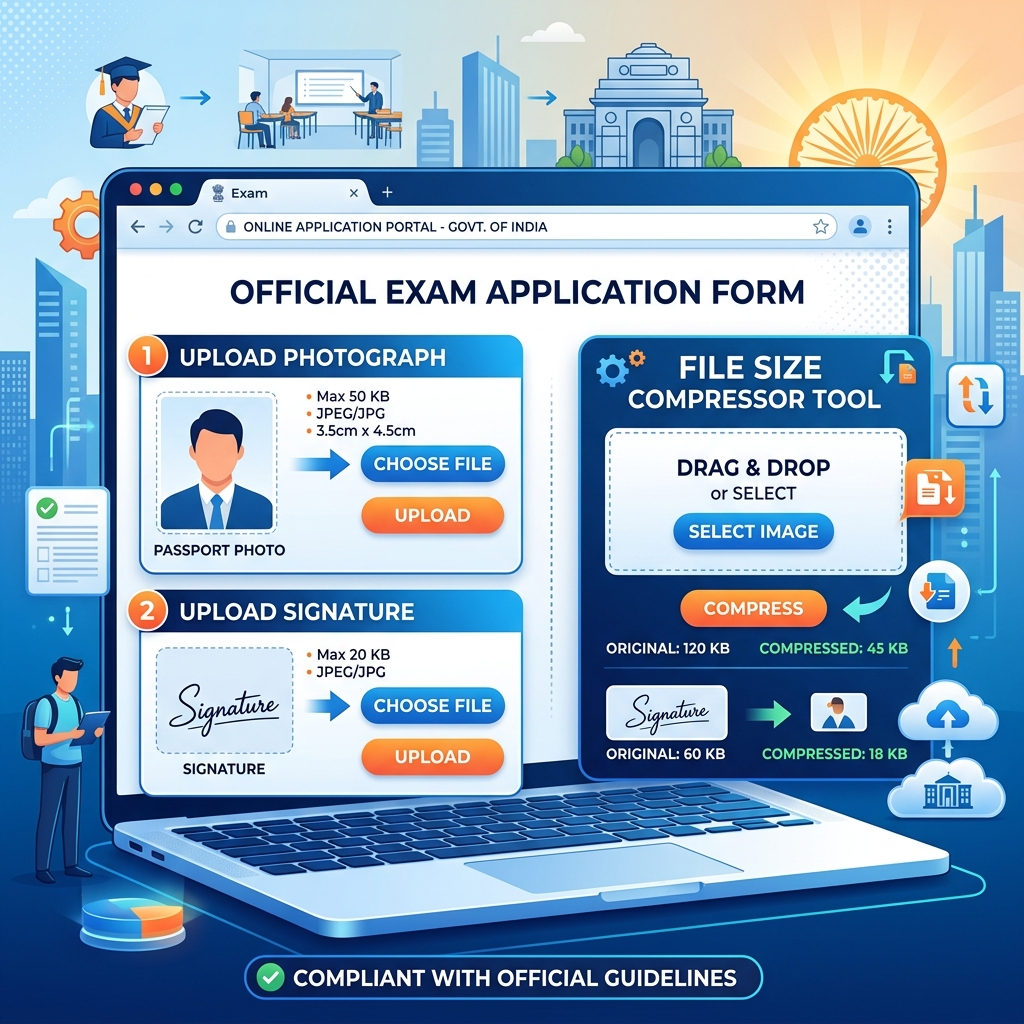
How to Resize Photo for UPSC, SSC, Railway Online Form — Complete Size Guide 2025
Why Government Portals Are So Strict About Photo Sizes
Definition: Resizing a photo for government forms involves cropping an image to exact physical dimensions (e.g., 3.5 cm × 4.5 cm) and adjusting its compression level to meet a strict file size limit (e.g., 20KB to 50KB) while retaining enough visual clarity for biometric identity verification.
"According to the Staff Selection Commission (SSC) guidelines, over 15% of candidate applications are rejected annually solely due to uploaded photographs being blurred, improperly sized, or wearing spectacles, making strict adherence to photo specifications critical."
Every year, lakhs of candidates lose hours trying to get their photo and signature uploads right on government exam portals. The forms themselves give vague instructions — "upload JPEG under 50KB" — and then reject your file without telling you what went wrong.
I have filled out UPSC, SSC, and Railway forms myself, helped friends with theirs, and seen the same mistakes repeated every application cycle. This guide documents every specification I have confirmed against official notifications, along with the exact steps to prepare your images correctly the first time.
Why Government Portals Are So Strict About Photo Sizes
These portals run on legacy infrastructure. The servers are designed to handle millions of simultaneous applications during peak registration windows — think SSC CGL registration week or UPSC CSE notification day. Strict file size limits keep the system from choking.
The other reason is print quality. Your uploaded photo gets printed on your admit card and, later, on your hall ticket and answer sheet. If the photo is too compressed, the invigilator cannot verify your identity. If it is too large, the printing system distorts it.
The result is a narrow window of acceptable sizes that most candidates miss on the first attempt.
UPSC Photo and Signature Requirements
UPSC maintains relatively consistent specifications across CSE, NDA, CDS, and CAPF exams. Here are the current requirements from the most recent official notifications:
Photograph:
| Specification | Requirement |
|---|---|
| File format | JPEG / JPG only |
| File size | 20 KB to 200 KB |
| Face coverage | 3/4th of the frame |
| Background | Plain white, no shadows |
| Expression | Neutral, eyes open and visible |
| Glasses | Not recommended |
| Head covering | Religious only |
Signature:
| Specification | Requirement |
|---|---|
| File format | JPEG / JPG |
| File size | 20 KB to 100 KB |
| Ink colour | Black pen on white paper |
| Style | Running hand, not in blocks |
One important detail that catches people: UPSC now often mandates a live photograph captured during the application process through your webcam. But you still need to upload a separate passport-style photo. Both must meet these specs.
SSC Photo and Signature Requirements
SSC moved to a One-Time Registration (OTR) system in 2024. This means you upload your photo and signature once, and it carries across all SSC exams — CGL, CHSL, MTS, and others.
The OTR system also introduced live photo capture through the portal, but the uploaded photo requirements remain:
Photograph:
| Specification | Requirement |
|---|---|
| File format | JPEG / JPG |
| File size | 20 KB to 50 KB |
| Dimensions | Passport size (3.5 cm × 4.5 cm) |
| Background | Plain white or light colour |
| Head covering | Not permitted (except religious) |
| Ears | Both must be visible |
Signature:
| Specification | Requirement |
|---|---|
| File format | JPEG / JPG |
| File size | 10 KB to 20 KB |
| Dimensions | 6.0 cm (width) × 2.0 cm (height) |
| Ink colour | Black ink pen |
The SSC signature limit of 10–20 KB is one of the tightest across all government exams. If your signature scan comes out at 25 KB, it will get rejected — no partial credit.
Railway (RRB/RRC) Photo and Signature Requirements
Railway recruitment requirements vary slightly by exam — ALP, NTPC, and Group D each have their own Centralized Employment Notification (CEN). But the photo specifications are broadly consistent:
Photograph:
| Specification | Requirement |
|---|---|
| File format | JPEG / JPG |
| File size | 20 KB to 50 KB (some posts: 30–70 KB) |
| Dimensions | 3.5 cm × 4.5 cm |
| Background | White or light colour |
| Ears | Both visible |
| Glasses | Not permitted |
Signature:
| Specification | Requirement |
|---|---|
| File format | JPEG / JPG |
| File size | 10 KB to 20 KB (some: up to 70 KB) |
| Ink colour | Black or blue ballpoint pen |
| Style | Running handwriting, no capitals |
The "running handwriting" requirement for signatures is specific to Railway forms. Block letters or printed-style signatures have been flagged and rejected in past recruitment cycles.
How to Resize Your Photo: Step-by-Step
Most candidates try to compress their photo using random apps or websites. The problem is that generic compression does not let you hit a specific KB target — it just makes the file "smaller." When the portal says "under 50KB," you need exactly that.
Here is the correct approach:
Step 1: Start with a good original photo
Take a fresh photo against a white wall. Use your phone camera — any modern Android or iPhone works. Stand about 1 metre from the wall. Have someone photograph you from chest level, not from above or below. Natural light from a window is ideal; avoid using flash.
Do not use a selfie. Selfies distort facial proportions and create uneven backgrounds.
Step 2: Crop to passport size
Your raw phone photo is probably 12 megapixels and 4:3 ratio. You need it cropped to 3.5 cm × 4.5 cm with your face covering about 70–80% of the frame.
Use our Aadhaar & PAN Photo Formatter — it works for all government document photos, not just Aadhaar and PAN. Select the document type, upload, and the tool crops to the correct ratio automatically.
Step 3: Compress to the required KB
Now take the cropped photo and compress it to the exact KB limit your exam demands. Use our Resize Image to 20KB tool — despite the name, it works for any target size. Upload, set the target, and download.
The tool uses adaptive compression. It does not just reduce quality uniformly — it finds the compression level that hits your target while keeping the photo recognisable and clear enough for identity verification.
Step 4: Verify before uploading
Before uploading to any portal, check two things:
- Right-click the file and check its properties — confirm the file size is within the portal's range
- Open the file and visually confirm your face is clear, the background is white, and nothing is cropped off
Quick Reference: All Exam Photo Sizes at a Glance
| Exam Portal | Photo Size | Signature Size | Photo Format |
|---|---|---|---|
| UPSC CSE/NDA/CDS | 20–200 KB | 20–100 KB | JPEG |
| SSC CGL/CHSL/MTS | 20–50 KB | 10–20 KB | JPEG |
| RRB NTPC | 20–50 KB | 10–20 KB | JPEG |
| RRB ALP | 20–50 KB | 10–70 KB | JPEG |
| RRB Group D | 30–70 KB | 10–20 KB | JPEG |
| IBPS PO/Clerk | 20–50 KB | 10–20 KB | JPEG |
| NEET UG | 10–200 KB | 4–30 KB | JPEG |
| JEE Main | 10–200 KB | 4–30 KB | JPEG |
Bookmark this table. It covers 90% of competitive exam portals in India.
Common Mistakes That Get Your Photo Rejected
I have seen all of these happen to real applicants:
Using a selfie: Portals increasingly use automated face detection. Selfie distortion — wider nose, narrower forehead — triggers mismatches during identity verification at the exam centre.
Wearing glasses: Most government exams now prohibit glasses in the photo, even prescription ones. This changed around 2021 following MHA guidelines. Remove them before taking the photo.
Coloured or textured background: A bedsheet, curtain, or painted wall behind you will get flagged. Use a plain white wall. If you do not have one, tape a white chart paper to any wall.
Over-compression: When you compress a 5 MB photo to 15 KB in one step, the result is a blurry mess. Crop first, then compress. Cropping removes unnecessary pixels before compression, so the remaining pixels retain more quality.
Wrong file format: PNG, WEBP, BMP — none of these work. Every government portal wants JPEG. If your phone saves photos as HEIC (common on iPhones), convert to JPEG first using our HEIC to JPG converter.
How to Prepare Your Signature
The signature trips people up as much as the photo. Here is what works:
- Sign on a clean white A4 sheet using a black gel pen or ballpoint
- Leave at least 2 cm of white space around the signature
- Photograph it from directly above in good lighting — no shadows
- Crop it tightly using our Signature Cropper
- Compress it to the required KB limit
Frequently Asked Questions
Can I use the same photo for UPSC, SSC, and Railway forms?
Yes, you can use the same photo for UPSC, SSC, and Railway forms if it meets the strictest specification. SSC has the tightest limit at 20–50 KB. A photo prepared for SSC will work on UPSC and Railway portals too, since both accept files in that range.
My photo is 3 MB. How do I get it under 50 KB?
To compress a 3 MB photo under 50 KB, you must crop it first and then compress. Crop it to passport size — this alone can reduce the file from 3 MB to under 500 KB by removing background pixels. Then use the Resize Image to 20KB tool to compress it to 50 KB. Two steps, under a minute total.
The portal preview shows my photo as blurry. Is it rejected?
Not necessarily. Most government portals apply their own preview compression. The stored file is your original upload. Do not re-upload a higher-resolution version based on preview appearance — that could push you over the file size limit.
I submitted the form but now realise my photo was wrong. Can I change it?
Most portals allow correction windows after initial submission. UPSC typically provides a 3–5 day correction window. SSC OTR allows updates to your profile photo. Check the specific notification for correction dates.
Does the photo have to be recent?
Yes, the photo should ideally be taken within the last 3 months. No official notification specifies a hard time limit, but the photo should look like you do now. If the invigilator cannot match your face to the photo on the admit card, you will be asked to explain the discrepancy.
Resize Your Exam Photo Now
Stop guessing whether your photo meets the requirements. Use our Resize Image to 20KB tool to compress your photo to the exact KB limit any government portal demands. It is free, works on mobile, and your photo is never stored on our servers.