
Embed Interactive Financial Calculators on Any Website: Zero-Code Widget Guide
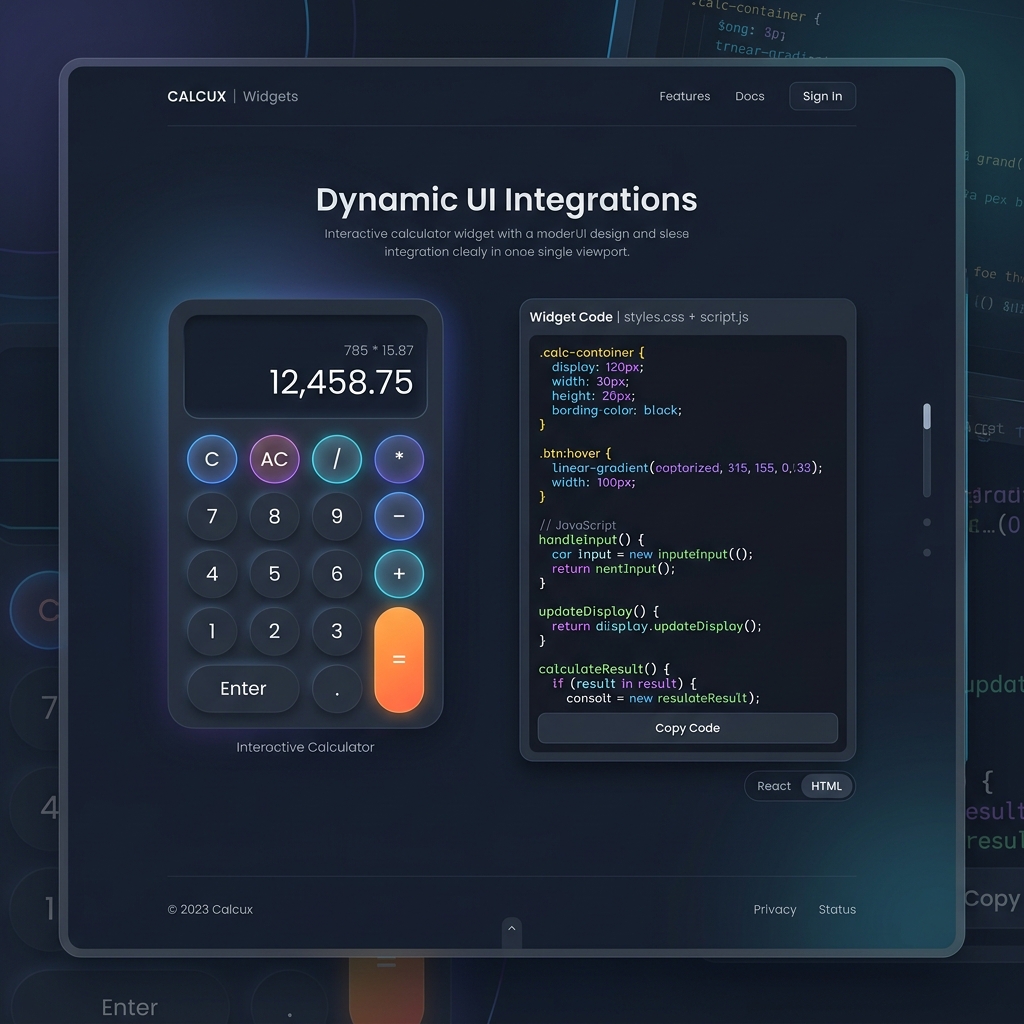
Adding interactive tools to financial blogs, real estate portals, personal finance blogs, or fintech advisory sites is an effective way to keep users engaged and provide immediate value.
An embeddable widget is a self-contained HTML <iframe> component that delivers instant calculations (such as EMI, SIP wealth growth, and FD compounding interest) directly on your web pages without writing custom backend code, maintaining APIs, or handling server infrastructure.
Why Interactive Calculator Widgets Are Essential for SEO & Conversion
Search engines like Google evaluate user engagement signals when ranking content. Static financial articles without interactive elements often suffer from high bounce rates as users bounce back to search results to find a working calculator tool.
Key SEO & Engagement Benefits
- Increased Engagement: Interactive sliders and input fields keep readers engaged on your page, providing them with useful tools without requiring them to leave your site.
- Reduced Bounce Rates: Visitors complete their financial planning directly within your article rather than leaving your website to search for third-party calculators.
- Enhanced User Value: Delivering actionable calculations alongside editorial commentary establishes your blog as an authoritative, all-in-one resource.
- Mobile-First Responsive Design: Modern widgets automatically adjust to mobile viewports, tablet screens, and desktop displays without horizontal scrollbars or distorted layouts.
Popular Free Calculator Widgets Available for Embed
TinyTools offers a comprehensive library of embeddable utility widgets designed specifically for finance, real estate, education, and productivity platforms:
| Widget Name | Target Audience | Key Output Provided |
|---|---|---|
| SIP Return Calculator | Mutual fund & stock market blogs | Total invested amount, estimated returns, wealth gain projection |
| Home & Car Loan EMI Calculator | Real estate portals & loan agents | Monthly installment amount, principal vs interest pie chart breakdown |
| Fixed Deposit (FD) Calculator | Banking & tax planning sites | Maturity payout, compounding interest accrued, senior citizen rates |
| Income Tax Calculator | Tax filing & accounting blogs | Old vs New Regime tax liability comparison under current Indian tax slabs |
| Word & Character Counter | Copywriting & academic tools | Real-time word count, reading duration, character frequency |
4-Step Universal Integration Guide
Embedding a calculator widget takes less than 60 seconds and works across all content management systems (CMS) and static site generators:
<!-- Example Clean Responsive Widget Embed Code -->
<iframe
  src="https://tinytools.in/widgets/embed/sip-calculator?theme=light"
  width="100%"
  height="600"
  style="border:none; border-radius:16px; width:100%; overflow:hidden;"
  title="SIP Calculator Widget"
  loading="lazy">
</iframe>
Step-by-Step Instructions
- Select Your Widget: Navigate to our free Widgets Catalog.
- Customize Appearance: Choose your preferred color theme (Light Glassmorphic or Dark Glassmorphic) and adjust width/height dimensions.
- Copy Embed Code: Click the "Copy Code" button to copy the responsive HTML
<iframe>snippet. - Paste Into Your Site: Paste the snippet directly into your web page's HTML editor or CMS custom HTML block.
Platform-Specific Integration Instructions
1. WordPress (Block Editor / Gutenberg)
- Open the post or page editor.
- Click the
+icon to add a new block and search for Custom HTML. - Paste the copied
<iframe>code into the block. - Click Preview or publish to verify rendering.
2. Elementor Page Builder
- Drag the HTML Widget from the left panel onto your page section.
- Paste the
<iframe>embed snippet into the HTML Code input box. - Set the container width to 100% for full responsiveness.
3. Webflow
- Add an Embed component to your desired layout container.
- Paste the widget
<iframe>code inside the code editor box. - Save and publish changes to your Webflow staging or custom domain.
4. Next.js / React Applications
- Wrap the iframe code inside a standard React JSX component:
export function CalculatorWidget() {
  return (
    <div style={{ width: "100%", maxWidth: "800px", margin: "0 auto" }}>
      <iframe
        src="https://tinytools.in/widgets/embed/sip-calculator?theme=light"
        width="100%"
        height="600"
        style={{ border: "none", borderRadius: "16px", overflow: "hidden" }}
        title="SIP Calculator"
        loading="lazy"
      />
    </div>
  );
}
Best Practices for Maximum Engagement
- Place Widgets Above the Fold or Mid-Article: Insert the calculator near the relevant explanation (e.g., place an EMI calculator directly below an article section discussing home loan interest rates).
- Use
loading="lazy": Addingloading="lazy"ensures the iframe does not delay your page's initial Largest Contentful Paint (LCP) performance score. - Add Contextual Call-to-Actions: Include a short text prompt above the calculator inviting readers to calculate their personal returns or monthly installments.
Frequently Asked Questions
Are these calculator widgets completely free for commercial use?
Yes. All TinyTools widgets are 100% free for personal blogs, news sites, educational portals, and commercial enterprise websites with zero licensing fees or watermarks.Will embedding an iframe slow down my website's Google PageSpeed score?
No. The iframe script executes asynchronously within an isolated browser sandbox. Because the mathematical logic runs inside the iframe container, your main website thread experiences zero performance overhead.Can users complete calculations on mobile devices?
Absolutely. All widgets are engineered with touch-friendly sliders, responsive flexbox containers, and accessible typography suited for iOS and Android mobile browsers.Get Your Free Embed Code Now
Upgrade your content strategy and boost user retention today. Visit our interactive Widgets Catalog to copy clean, responsive widget embed codes in seconds.